
Setup
A guide for Administrators
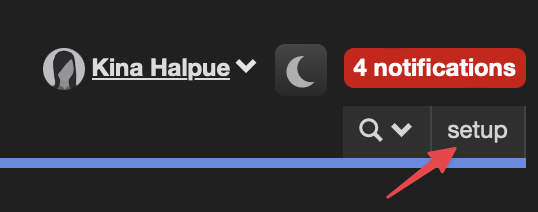
The setup page in the top right of the navigation bar provides a central location for administrators to configure Cerb and any plugins that have been installed.

The page is divided into sections, each with a blue menu designated by a downward-pointing arrow. Hover over a menu to display the configuration options for that section.
Configure
- Subscription
- Branding
- Cache
- Localization
- Plugins
- Queues
- Records – a reference for every record type and its fields, API keys, and search filters
- Scheduler
AI
- Agents
- Models
- Files
- Filesystems
- Tools
- Surfaces
- Transcripts
Security
- Configure
- Authentication
- Service Tokens
- Active Sessions
Team
Incoming
Outgoing
Packages
Storage
Developers
- Agent Filesystem Terminal
- Automation Events
- Automation Logs
- Automation Scripting Tester
- Data Query Tester
- Database Schema
- Export Bots
- Icon Builder
- OAuth2 Token Generator
- Platform
- Requirements Checker
- Sheet Builder
- Toolbars
- UI Reference
- Workflow Builder
Each menu lists Cerb's own pages first, then any contributed by an installed plugin below a divider.
A few menu items are conditional. Cache and Storage » Profiles are hidden when the engine is pinned by the configuration file, and Export Bots appears only while the legacy behaviors plugin is enabled.