Workspaces
Stay on the same page while collaborating from anywhere
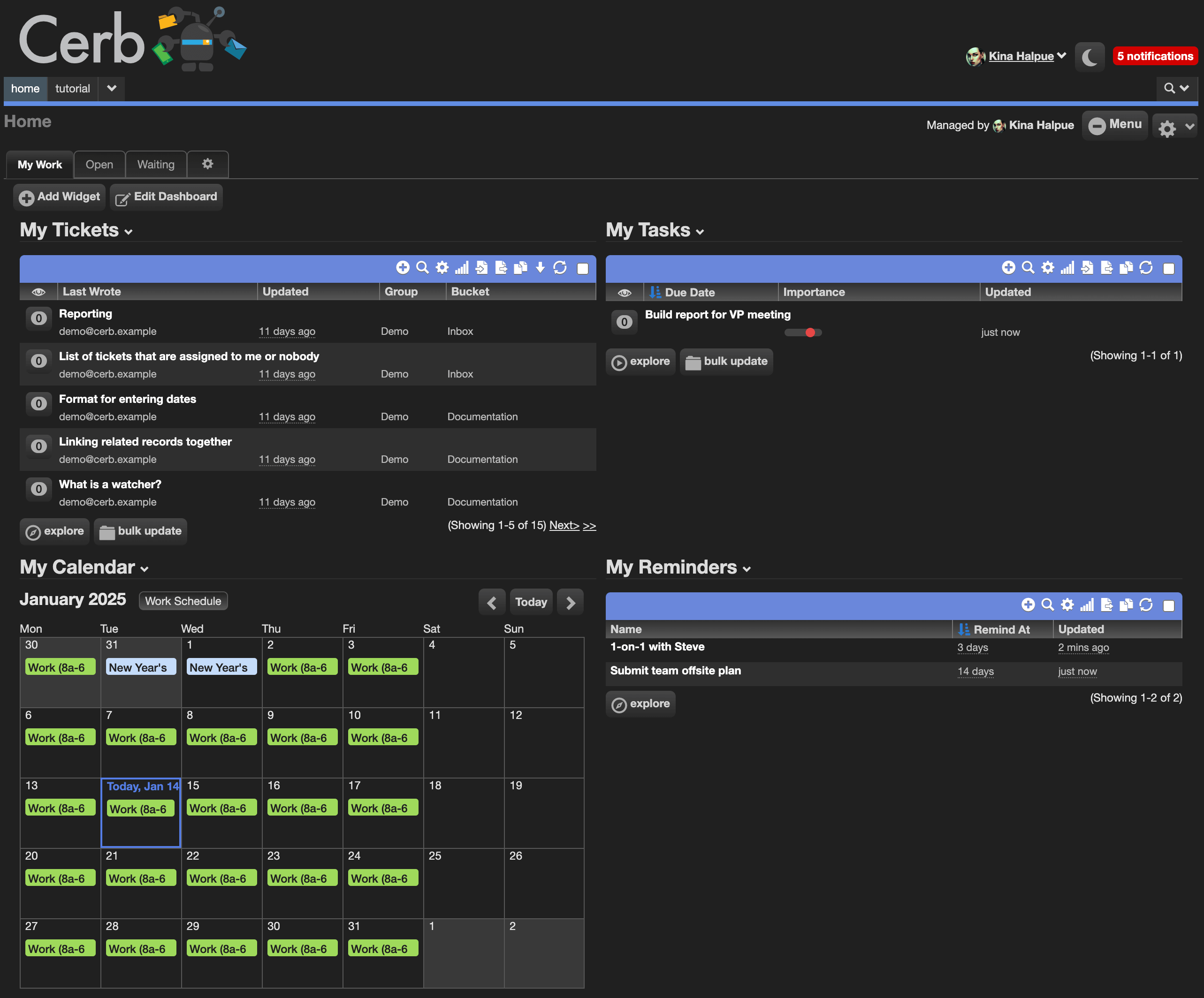
A workspace is a page designed to optimize a particular workflow. Workspaces can be shared by everyone, shared within a group or role, or private to a specific worker.
You can add any number of workspace pages to your navigation bar and personalize Cerb into your own mission control.
Workspaces use tabs to organize their content into sections; much like dividers are used to partition pages in a large binder.
The default workspace type is a dashboard – a customizable and responsive collection of visualization widgets.
Tab types
| Type | Description |
|---|---|
| Dashboard | A responsive collection of visualization widgets. The default. |
| Worklists | One or more record worklists. |
| Daily Task Board | A personal, day-oriented planning board. |
| Project Board | A board that organizes multi-step processes. |
| Calendar | A calendar of dates and events. |
Worklist and dashboard tabs can refresh themselves on an interval.
A tab's worklists can be configured directly from the tab rather than through the tab's edit popup, and tab configuration uses the Cerb UI design system.
Daily Task Board
A Daily Task Board is a personal, day-oriented planning board built on real task records and task projects.
Unlike a project board, nothing board-specific is stored. Every column and day placement is derived from a task's status, active flag, importance, and completion or wake dates – so the board and the underlying tasks can never disagree.
Layout
The board is a horizontal timeline of days, newest first.
- Today is fully interactive, with TODO, In Progress, and Done columns
- The previous six days are a read-only completion log
- The Stash spans the board and holds waiting tasks, grouped by wake date
The scheduler revives a stashed task into today's TODO once its "stashed until" date passes.
The board's toolbar carries an All tasks / My tasks switcher, whose "My tasks" segment wears your own avatar, with Jump to Date beside it as its own button. Jump to Date renders any off-window day on demand – a past completion log or a future stash column – with month pips marking which days carry completed or waiting tasks.
Working with cards
Cards support inline title editing, drag-and-drop between columns and days, manual ranking in the TODO lane by importance, quick-add, delete, and moving a task to another project.
Quick Triage nudges a card's importance up or down. A multi-select column action bulk-moves tasks between columns or projects. Each card's meta strip shows the assignee's avatar with an "assign to me" claim.
Configuration
Each board has a shared configuration stored on the tab – which task projects appear, their accent colors, and their order.
Every worker then overlays a personal selection and order on top, and the toolbar's All tasks / My tasks switcher is theirs alone, so one shared board serves a team without everyone seeing the same thing.
Project accent colors seed automatically from a standard palette.
A board with no task projects selected renders a setup note pointing at the Projects picker rather than a row of empty day columns. A worker who can edit the page gets a button there that opens the configuration dialog directly.
Adding the tab from the package library is the quickest route: the Daily Task Board package prompts for a tab name and, optionally, the projects to show, and assigns each an accent color as part of setup.
Permissions
A task's permissions derive from its project. Archived or unreadable projects are dropped from the board gracefully.
Dynamic tabs
Workspace tabs support the invoke pattern, matching workspace pages and widgets. A tab can implement dynamic behavior without adding a custom page section controller.